How to Remove Safe Mode from Your Phone
Learn how to exit safe mode on your Android phone in seconds. Solutions for Samsung, Xiaomi, Motorola, and more, with causes and tricks to prevent it from ha…
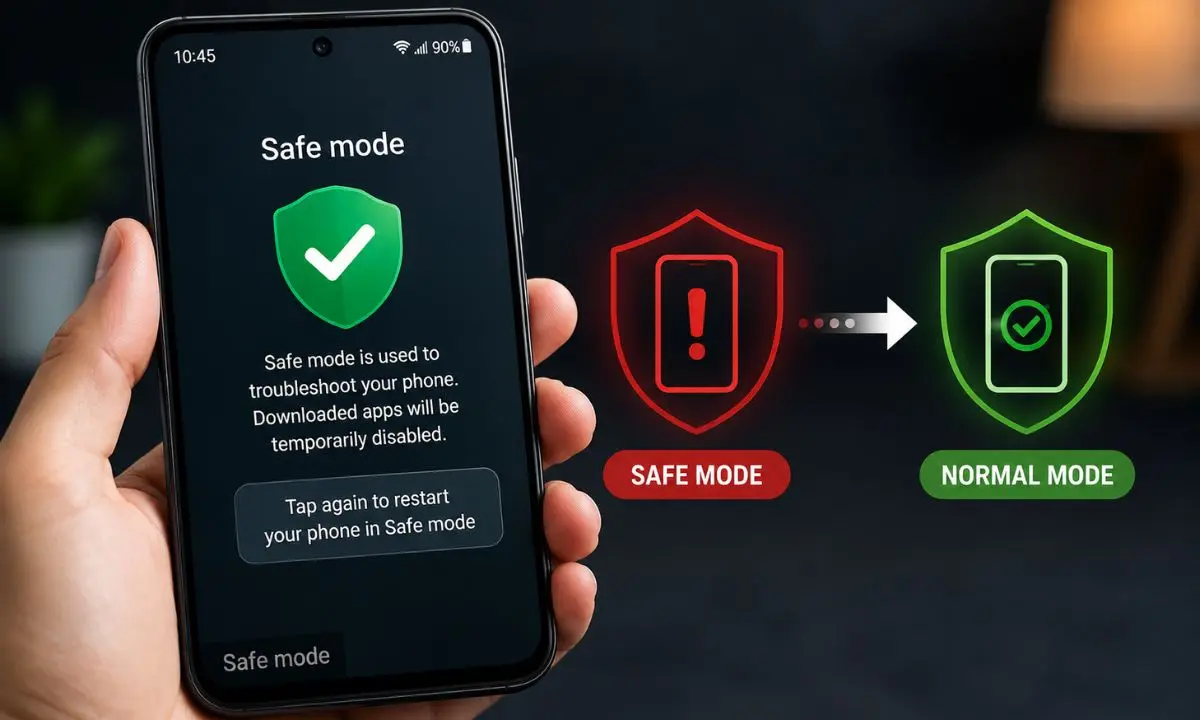
Did your Android phone turn on with the words "Safe Mode" in the bottom corner of the screen and you don't know how to get rid of it? Don't worry: it's one of the most common problems on Android and, in most cases, it can be fixed in less than a minute without losing any data or apps.
In this guide, I explain exactly what safe mode is, why it was activated in your case, and all the methods to deactivate it, organized by cell phone brand (Samsung, Xiaomi, Motorola, Huawei, LG, and more), as well as what to do if safe mode cannot be removed using normal methods.
What is safe mode on an Android phone?
Safe mode is a diagnostic feature built into the Android operating system. When your phone starts in this mode, it temporarily disables all apps you installed from Google Play or other sources, leaving only the pre-installed apps active.
It's exactly the same as Windows' "safe mode": it allows you to identify if a problem (slowness, restarts, errors) is being caused by a third-party app, without needing to uninstall anything yet.
While safe mode is active you will notice:
- A text that says "Safe Mode" in the lower left corner of the screen.
- The icons for downloaded apps appear in gray or do not appear at all.
- You cannot open apps that were not pre-installed.
- Wi-Fi, Bluetooth, or some widgets may temporarily stop working.

This is completely normal and reversible. It's not a virus, it doesn't delete information, and it doesn't damage your phone.
Why did safe mode activate on my phone?
Before disabling it, it's helpful to know why it appeared, because in some cases safe mode activates on its own, without you requesting it. The most frequent causes are:
- You accidentally pressed and held the power button. On many models, holding down the "Power Off" button for a few seconds causes the system to ask if you want to restart in safe mode, and sometimes this is confirmed unintentionally.
- The volume buttons are stuck or damaged. During startup, if the volume down button is detected as pressed (due to a tight case, dust, or an impact), the phone automatically enters safe mode.
- A problematic app triggered it. Some phones enter safe mode automatically when they detect repeated errors caused by an application.
- A system update was left incomplete.
- The cell phone was hit or dropped and the physical buttons suffered a momentary malfunction.
Identifying the cause helps you prevent it from happening again, especially if it's a stuck volume button issue.
How to remove safe mode: universal method (works on almost all Android devices)
This is the first method you should try, regardless of your phone brand:
- Press and hold the power button until the options menu appears (Power off, Restart, etc.).
- Tap the "Restart" or "Power Off" option and then turn on your phone normally.
- Wait for it to fully load. In most cases, safe mode disappears with a simple restart.
If safe mode reappears after restarting your phone, proceed to the next method depending on your brand.
How to disable safe mode on Samsung
- Swipe down the notification bar.
- Look for the notification that says "Safe Mode enabled" and tap it.
- Select "Disable" when prompted by the system.
If that notification does not appear, turn off your phone completely (do not restart it, just turn it off), wait 10 seconds and turn it back on without touching any additional buttons while the Samsung logo loads.
How to remove safe mode on Xiaomi, Redmi or Poco (MIUI/HyperOS)
To remove safe mode from Xiaomi, follow this guide:
- Turn off your cell phone completely.
- Turn it on again and, as soon as you see the Xiaomi logo, don't touch any volume buttons.
- If the safe mode issue persists, go to Settings > Apps > Manage apps and check if you installed anything just before the problem started; uninstall it and restart.

How to disable safe mode on Motorola
- Press and hold the power button for a few seconds until you see the reset menu.
- Tap "Restart".
- If it continues, turn off your phone, check that the case is not pressing the volume down button, and turn it back on.
How to disable safe mode on Huawei
- Swipe down the notification panel and look for the safe mode notification.
- Tap it and select "Accept" to restart in normal mode.
- If you don't see the notification, press and hold the power button, choose restart, and release all buttons before the Huawei logo appears.
What to do if safe mode doesn't disappear with a normal restart
If you've already restarted your phone several times and safe mode still appears, try this order:
Physically check the volume down button. Remove the phone case or screen protector and press the volume down button several times to make sure it's not stuck or jammed. This is by far the most common reason why a normal restart doesn't work.
Remove the battery (only if it's removable). On phones with removable batteries, remove it for 30 seconds and replace it before turning on the phone.
Uninstall the last app you installed. Go to Settings > Apps, sort by "Recently installed," and remove any suspicious apps you added just before the problem started. Often, that app has a conflicting permission or process that forces safe mode.
Clear the system cache (cache partition). Turn off your phone and enter recovery mode (the button combination varies depending on the brand, usually volume up + power, or volume down + power). From there, select "Wipe cache partition". This will not delete your personal data, only temporary system files.
As a last resort, perform a factory reset. If none of the above works, the problem is likely a deeper software issue. Before doing so, back up your photos, contacts, and important files, because a factory reset will erase all content from your phone.
In this step-by-step guide, I'm sure you'll be able to resolve this issue, since if safe mode was activated without you noticing, it's normal and rarely happens, as it's usually activated accidentally.
How to prevent safe mode from reappearing
- Use a case that doesn't press on the physical volume buttons.
- Before installing apps from outside of Google Play, verify that they are from trusted sources.
- Check periodically if your phone has any pending system updates.
- Avoid holding the power button down for longer than necessary.
Frequently asked questions about safe mode
Does safe mode delete my photos or apps?
No. Safe mode only temporarily disables third-party apps while it's active; it doesn't delete or uninstall anything. When you exit safe mode, all your apps and files will be available normally again.
Why does my phone go into safe mode on its own, without me activating it?
This usually happens because of a stuck volume button, a case pressing the button during startup, or because the system detected that an app is causing repeated failures and activated safe mode as a diagnostic measure.
Is safe mode the same as airplane mode?
No. Airplane mode disables network connections (Wi-Fi, mobile data, Bluetooth), while safe mode disables user-installed apps for system diagnostics. They are completely different functions.
Does the iPhone have a safe mode?
Not exactly the same. iOS doesn't have a visible "safe mode" like Android, but it does have Recovery Mode and DFU mode, which are used for diagnostics and deeper system restores.
How long does safe mode stay activated?
It remains active until you properly restart your phone without the condition that triggered it recurring (for example, the volume button being pressed). It does not have an automatic time limit.