How to view Instagram Stories anonymously on PC or mobile
Learn how to view Instagram Stories anonymously from your PC, Android, or iPhone, which methods work, and how to avoid dangerous websites.
Viewing Instagram Stories anonymously means watching a temporary post without your main account appearing in the viewer list. However, Instagram doesn't include an official feature to hide your name when watching a story: if you open it while logged in, the owner will be able to see that you viewed it.
The safest way depends on the type of profile. When the account is public, it's possible to view its content through external services that don't require logging in, as long as the story is publicly available. For a private account, there's no legitimate way to view its stories without following the account and obtaining permission.
In this guide you will learn which alternatives work on PC, Android and iPhone, which ones leave a trace, which methods are unreliable and how to avoid pages that try to steal your password.
Is it possible to view Instagram Stories without appearing in them?
Yes, but only in certain situations.
If you open a story directly from your Instagram account, you'll appear in the list of people who viewed it. Using your browser's incognito mode, quickly closing the app, or blocking the person after viewing the story won't guarantee that your view will disappear.
The most practical alternatives are:
- Use a web viewer without logging in for public profiles.
- Check the story from a secondary account that does not reveal your primary identity.
- View content shared publicly outside of Instagram.
- Ask a trusted person to check the post.
- Wait for the story to be published as a reel, post, or featured story.
None of these methods allow legitimate access to private histories without permission.
Does Instagram notify you when someone views a story?
Instagram doesn't necessarily send an individual notification every time someone opens a story. However, the owner can go into their story and see the number of views and the names of the accounts that viewed it.
This means that even if you don't react, respond, or press "Like," your name may appear simply because you opened the story.
You should also keep in mind that stories typically remain visible for 24 hours. After that, they disappear from public view unless the owner adds them to their highlights or reposts them.
Method 1: Use an anonymous viewer for public accounts
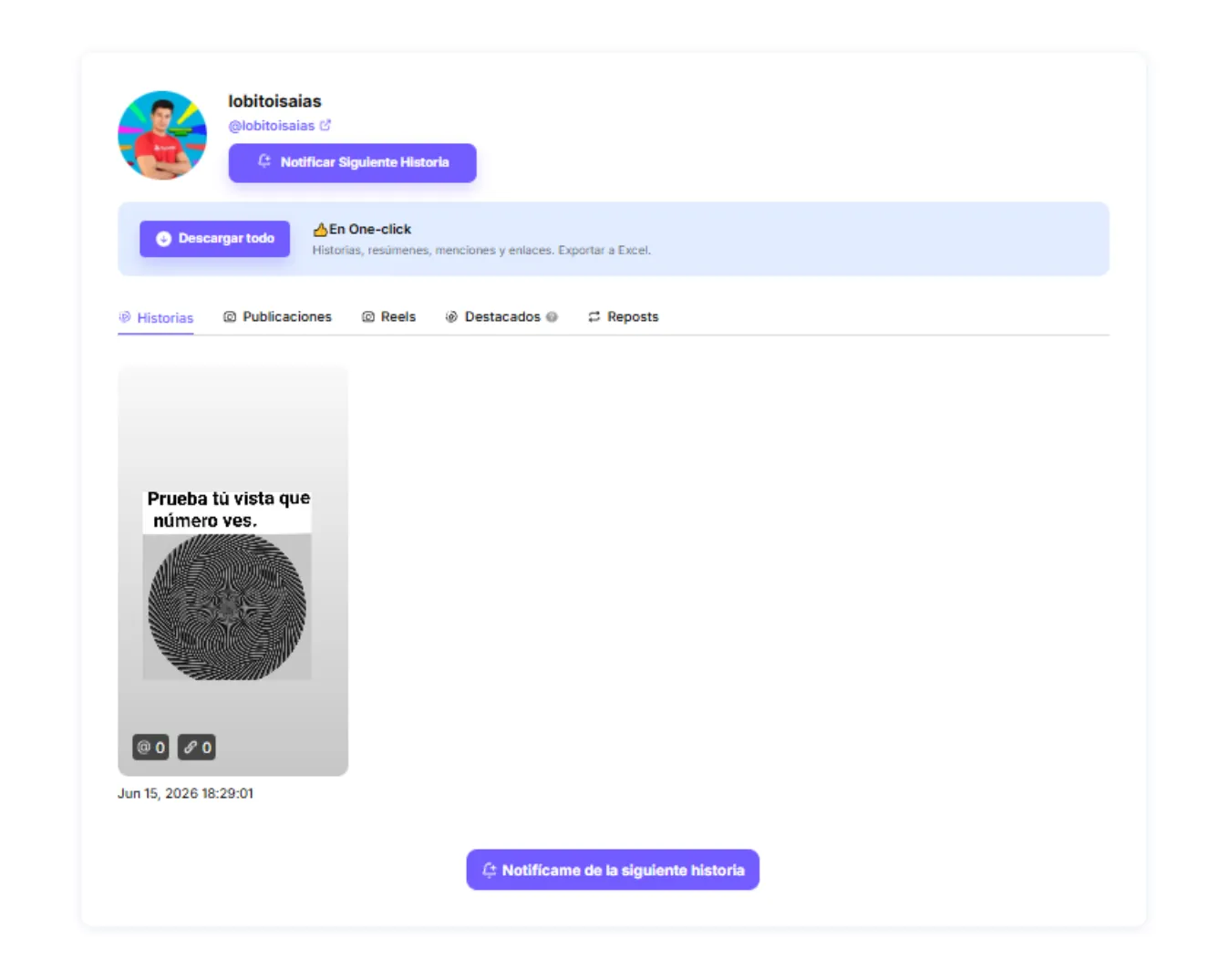
The most well-known option is to use a website capable of displaying public stories without logging into Instagram.
These services typically only require your public username. The site searches for publicly accessible content and displays it without linking playback to your personal account.
How to do it from a cell phone
- Open Chrome, Safari, Firefox or your usual browser.
- Look for an Instagram public story viewer.
- Only enter a page that does not ask for your password.
- Enter the username without adding unnecessary symbols.
- Check that the displayed profile is correct.
- Select the available story.
- Play the content from the browser.
The procedure can be used on both Android and iPhone. You don't need to install an app if the service works directly from the web.
Limitations of anonymous viewers
This method doesn't always work. It may fail when:
- The account is private.
- The user recently changed their name.
- The story is outdated.
- The content is limited to Best Friends.
- The viewer attempts to display previously stored information.
- Instagram has temporarily limited access.
Stories intended for Best Friends have a limited audience determined by the publisher, so they shouldn't be available through a public viewer.
How to recognize a dangerous story viewer
Not all sites that promise to let you view Instagram anonymously are safe. Some display fake buttons, download suspicious files, or try to steal your login credentials.
Be wary of any website that asks for:
- Your Instagram password.
- The verification code sent to the mobile phone.
- The email password.
- Install an unknown extension.
- Download an APK file.
- Completing endless surveys.
- Pay to unlock a private account.
- Disable browser protection.
- Grant full access to your account.
- Log in to a window that does not belong to Instagram.
Do not share your password with unknown apps or services. It is also advisable to periodically review the apps and websites connected to your account, and revoke access to any you do not recognize.
Method 2: Use a secondary Instagram account
Another alternative is to open the story from a secondary account that doesn't directly display your primary name.
This method is not completely anonymous. The person will still see the secondary account name in their viewer list, but your usual profile will not appear.
Recommendations for a secondary account
Recommendations for a secondary account
The account should not use photographs of another person, misleading names, or false information that impersonates a real identity.
You can use a generic name, a neutral image, and a simple description. The goal should be to separate your personal activity, not to deceive, harass, or impersonate someone else.
You should also remember that an empty, newly created, and inactive account can raise suspicion. The person may block it or restrict who can see their stories.
Method 3: Open content shared outside of Instagram
Some stories contain posts, reels, ads, or videos that are also publicly available elsewhere.
Before attempting to open the story, check:
- The user's public profile.
- His recent reels.
- Their regular publications.
- Featured stories.
- Their Facebook page.
- His YouTube channel.
- Their website.
- Their profiles on other social networks.
Sometimes, the same photograph or video is published simultaneously on different platforms.
Instagram also allows you to share stories with Facebook. When someone views a story from Facebook, the owner can receive information about that view, so opening a story with a linked account shouldn't be considered completely anonymous either.
Method 4: Ask a trusted person for help
When you only need to check specific information, a simple option is to ask someone you trust to review the history from their own account.
That person's account will appear as a viewer. Therefore, it's not an invisible view, but rather a way to prevent your profile from being used.
Does incognito mode allow you to view stories anonymously?
Not on its own. Incognito mode primarily prevents the browser from locally storing certain session data, such as history and some cookies, after you close the window. It doesn't hide your identity within Instagram if you're logged in with your account.
If you open Instagram in incognito mode, enter your username, and play a story, the viewing may be associated with the logged-in account.
Incognito mode is only useful as a complement when using a public service that doesn't require logging in. It doesn't turn the official Instagram website into an anonymous viewer.
Does the airplane mode trick work?
The alleged method involves loading the stories, activating airplane mode, opening a post, and closing the application before restoring the connection.
This procedure is unreliable. The app may temporarily save the activity and sync it when the phone reconnects. Furthermore, Instagram updates its functionality regularly, so a trick that seemed to work on one device may stop working on another.
If you need to prevent your account from appearing, don't open the story from that account, even if you have airplane mode turned on.
Does viewing history from the preview leave a trace?
Instagram may show snippets or transitions from nearby stories as you scroll through posts. Some people try to catch a glimpse of the next story without opening it completely.
This method presents several problems:
- It only allows you to see part of the image.
- It doesn't work properly with videos.
- You might swipe too far and open the story.
- The application could record the playback.
- Gestures vary depending on the device.
- An update may change how it works.
It's not a safe option when you want to completely avoid appearing on the list.
Does blocking someone after viewing their story remove the ability to see their story?
It's not advisable to rely on that trick. Blocking the owner immediately might temporarily change how both accounts are displayed, but there's no guarantee that the viewing record will be permanently removed.
Additionally, if you unblock the person before the story disappears, the information might reappear. Behavior can also vary between app versions. The safest solution is to avoid opening the story from your main account.
How to view anonymous stories from Android
On Android, the easiest alternative for a public profile is to use the browser without logging into Instagram.
- Open Chrome or Firefox.
- Make sure you are not entering your password on unknown websites.
- Access a public content viewer.
- Enter the exact username.
- Open the available story.
- Close the tab when you're finished.
Avoid APK apps that promise to reveal private accounts or download locked stories. Installing apps from outside trusted stores can expose your phone to intrusive advertising, data theft, or abusive permissions.
How to view anonymous stories on an iPhone
On iPhone you can perform the process from Safari, Chrome or Firefox.
- Open your browser.
- Use a private tab if you do not want to save the search to your local history.
- Enter a viewer that does not require you to log in.
- Enter the name of the public account.
- Recreate the story.
- Close all service tabs when you're finished.
A private tab helps reduce local storage of history, but it does not anonymize a session started within Instagram.
How to view anonymous stories from a PC
The computer can offer greater control because it allows you to easily check the site address and detect fake windows.
Steps from Windows, macOS or Linux
- Open Chrome, Edge, Firefox, Brave, or Safari.
- Use a private window if you feel it's necessary.
- Look for a viewer for public profiles.
- Check that the page uses a secure connection.
- Do not accept notification permissions.
- Do not download programs.
- Enter only the public username.
- Open the story.
- Close the page when you're finished.
If the site repeatedly redirects to ads, displays virus warnings, or forces you to install an extension, leave it.
Can you view stories from a private account anonymously?
There is no legitimate method to view an account's private stories without being an authorized follower.
When an account is private, its owner controls who can access its posts and stories. Pages that promise to "unlock" private profiles typically use deceptive claims to gain views, payments, installs, or personal data.
Can you view Best Friends stories without being included?
No. Close Friends stories are targeted to a list selected by the person posting. If your account isn't on that list, Instagram shouldn't show you that content.
No trustworthy website can automatically add you to someone else's list. Nor should it be able to display legitimately reserved content.
Is it possible to download a story anonymously?
Some public profile viewers allow you to save photos or videos. However, making content publicly visible does not mean the creator loses their rights.
When you need to use someone else's image or video in a post, ask the owner for permission.
Which method should be used
For a public account, the most direct alternative is a web viewer that doesn't request personal information. Keep in mind that these services may stop working and are not necessarily affiliated with Instagram.
For a private account, the only correct option is to send a follow-up request and wait for authorization.
When you don't want to link the viewing to your main profile, you can use a secondary account, knowing that that account will appear as a viewer.
For business or public information, you can also find the same post in reels, featured stories, Facebook, YouTube, or the business's official page.
Viewing Instagram Stories anonymously is primarily possible with public accounts when using an external viewer without logging in. For private profiles, there is no legitimate tool to access the content without authorization.
Opening a story from your main account will allow the owner to identify it in their viewer list. Incognito mode, airplane mode, quickly closing the app, or blocking the user afterward do not offer a real guarantee of anonymity.
The safest option is to never enter your credentials on external services, avoid apps that promise to unlock private accounts, and only use publicly accessible content. If you decide to use a secondary account, remember that its name will still appear in the views.