WhatsApp notifications are arriving late: the real reason (it's not your connection)
If you notice that your WhatsApp notifications are arriving late, it's not always your internet connection's fault. Discover the real causes behind this prob…
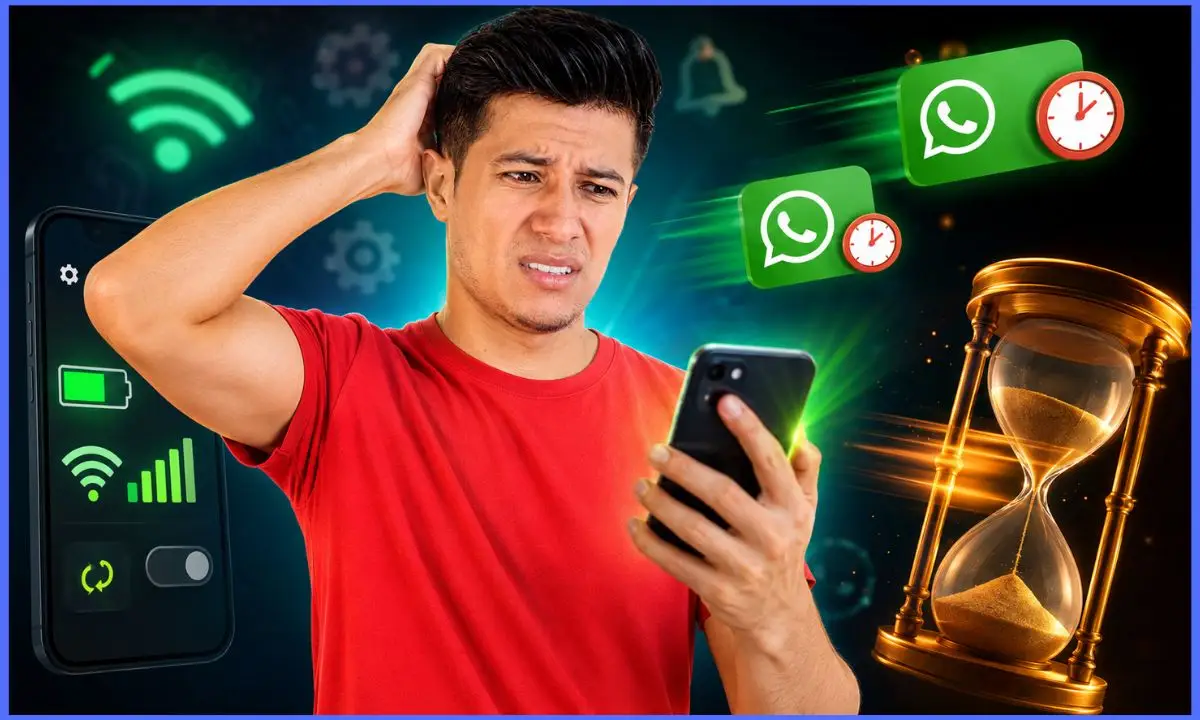
Have you ever been waiting for an urgent WhatsApp message only to have the notification arrive late? It's frustrating to think it's your internet connection's fault when the cause could actually be something else. In this article, we'll explain why WhatsApp notifications can be delayed and what you can do to receive them on time, without relying solely on your network.
Why do WhatsApp notifications not arrive on time even though you have a good connection?
Many users attribute slow notification reception to a slow or unstable connection, but this isn't always the main reason. WhatsApp relies on push notification services that run in the background, and several factors can interfere with their effectiveness:
- Battery optimization: Operating systems, both Android and iOS, typically limit background activity to save power. This can affect WhatsApp and delay its notifications.
- Background data restrictions: If you have restrictions enabled for WhatsApp to use background data, notifications may arrive late.
- Power saving settings: Some devices apply aggressive settings to prolong battery life, blocking apps that are not active.
- Temporary errors in the application or system: Sometimes, glitches in the app or operating system can prevent notifications from being displayed on time.
- Problems with WhatsApp servers: Although less frequent, a server outage or overload can affect the delivery of messages and alerts.
How to check if the problem is with your device or WhatsApp
Before assuming the problem is external, it's important to perform some basic checks:
Check your internet connection
While it's not usually the main cause, it confirms that your connection is stable. You can try other internet-based applications to see if they work correctly.
Check the application permissions
Make sure WhatsApp has permission to send notifications and use background data. To do this:
- On Android: Go to Settings > Apps > WhatsApp > Permissions and Notifications.
- On iOS: Settings > WhatsApp > Notifications & Cellular.
Check the battery saving options
Disable or adjust power saving settings for WhatsApp. For example, on Android you can:
- Go to Settings > Battery > Battery optimization > Find WhatsApp and select "Do not optimize".
On iPhone, check that the "Low Power Mode" option is turned off or that WhatsApp is allowed to run in the background.
Update WhatsApp and your operating system
Having the latest version of the application and operating system can fix bugs that delay notifications.
Step-by-step instructions to ensure WhatsApp notifications arrive on time
If you are still experiencing delays after the basic checks, follow this practical guide:
- Allows background data:
- Android: Settings > Apps > WhatsApp > Mobile data & Wi-Fi > Enable "Background data".
- iOS: Settings > WhatsApp > Mobile Data > Turn on "Mobile Data".
- Disable battery optimization for WhatsApp:
As we mentioned before, this prevents the system from limiting WhatsApp's background activity.
- Check your custom notifications:
In WhatsApp, go to Settings > Notifications and make sure the options are enabled for messages and groups.
- Restart your device regularly:
A restart can clear processes that are blocking notifications.
- Clear WhatsApp cache (Android only):
Settings > Apps > WhatsApp > Storage > Clear cache.
- Reinstall WhatsApp if the problem persists:
Sometimes, the application may have conflicts that are resolved by reinstalling it.
Why does battery saver mode affect WhatsApp notifications?
Battery saver mode limits background app activity to reduce power consumption. This means WhatsApp can't constantly connect to its servers to receive instant notifications. Instead, the system may delay delivery until you open the app or your device exits battery saver mode.
It's important to remember that this feature is useful for extending battery life, but it can negatively impact the reception of real-time messages.
How the operating system affects WhatsApp notifications
Android and iOS handle notifications and background activity differently. For example, newer versions of Android implement stricter restrictions on battery-draining apps, while iOS carefully controls data usage and permissions.
These differences may explain why notifications arrive late on some devices and not on others. Understanding how your operating system works will help you configure WhatsApp correctly.
Common mistakes that delay notifications and how to avoid them
- Disabling notifications without realizing it: Sometimes, alerts are disabled within the app or in the system. Always check that they are enabled.
- Install battery-saving apps or task managers: These apps can automatically close WhatsApp.
- Do not update WhatsApp: Older versions may have bugs or incompatibilities.
- Having a low battery on your phone: Some devices limit activity to conserve energy.
Alternatives to avoid missing important messages even if notifications arrive late
If you need to make sure you don't miss any messages, consider these options:
- Set up special alerts for important groups and chats: You can pin chats or set up custom notifications for them.
- Check WhatsApp regularly: Even if you don't receive notifications, opening the app confirms if there are new messages.
- Use WhatsApp Web or the desktop version: This way you receive notifications on your computer.
Recommended internal links
You can supplement this information with guides on how to optimize your WhatsApp usage and tips for improving your phone's battery life. At Lobito Isaias, you'll find helpful articles such as "How to Save Battery on Android Without Losing Functionality" and "Tricks to Be More Productive with WhatsApp."
Frequently Asked Questions
Why do WhatsApp notifications arrive late even though I have a good WiFi connection?
Because the operating system may be limiting background activity or there are battery restrictions affecting the application.
How can I ensure that WhatsApp always notifies me in real time?
Allowing background data, disabling battery optimization for WhatsApp, and ensuring that notifications are enabled in the settings.
Could it be WhatsApp's fault if notifications arrive late?
Yes, although less common, temporary server or app failures can cause delays.
Does battery saver mode affect receiving messages on WhatsApp?
Yes, this mode limits background activity and may delay notifications.
Is it necessary to reinstall WhatsApp to fix notification problems?
Only if the problem persists after trying other solutions, as a reinstallation may correct internal errors in the app.
If you want WhatsApp notifications to arrive instantly, check your phone and app settings. This will prevent you from missing important messages and improve your experience with this essential tool for daily communication.