WhatsApp's new features
Discover the latest features WhatsApp has added to improve your user experience, from privacy to customization and chat interaction.
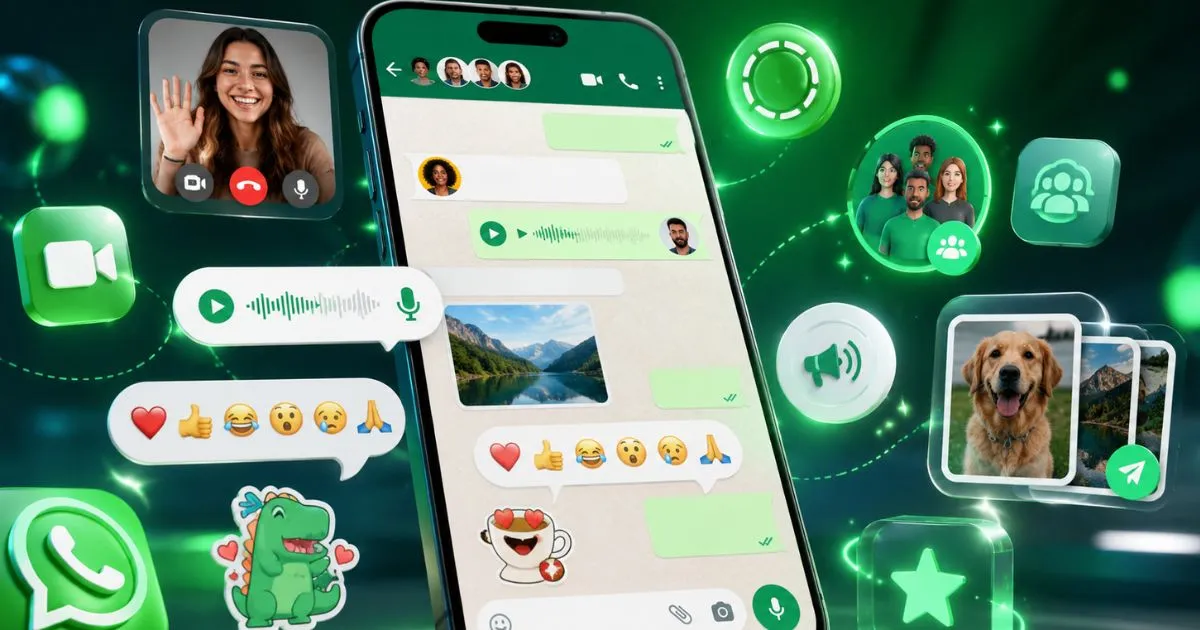
WhatsApp is constantly updating to offer a more secure, convenient, and versatile experience. If you're wondering what's new in the world's most popular messaging app, here are the latest features designed to make your daily life easier and improve how you communicate.
What are the new features that WhatsApp has launched?
In recent months, WhatsApp has added several tools, ranging from privacy improvements to options for customizing your chats and better managing your conversations. Some of the most notable new features are:
- Configurable disappearing messages: Now you can choose for messages to self-destruct after different time periods, not just 7 days. You can choose 24 hours, 7 days, or 90 days.
- Improved multi-device mode: You can use WhatsApp on multiple devices without the main phone needing to be connected to the internet.
- Emoji reactions: To quickly respond to a message, you can use emojis without having to write a full reply.
- Communities: A feature designed to group different groups under the same community, ideal for organizations, schools, or interest groups.
- Improvements to calls and video calls: Now allowing up to 32 participants and offering optimized audio and video quality.
How do I activate and configure disappearing messages?
Disappearing messages are a feature that protects your privacy and keeps your chats organized. To activate them, follow these steps:
- Open the individual or group chat.
- Tap the contact or group name to access the information.
- Select "Disappearing Messages".
- Choose how long you want the messages to last: 24 hours, 7 days, or 90 days.
When you activate this feature, new messages will be automatically deleted after the selected period. This is useful for conversations that don't need to be saved for very long.
What are the advantages of multi-device mode and how do you use it?
Previously, WhatsApp only worked on multiple devices if the main phone was connected to the internet. With multi-device mode, you can use WhatsApp on up to four linked devices without the main phone being turned on or connected to the internet.
To use it:
- Go to "Settings" > "Paired Devices".
- Tap on "Link a device".
- Scan the QR code from the device you want to link.
This makes it easier to use WhatsApp on computers, tablets, or second mobile phones without relying on the main phone.
How do emoji reactions work on WhatsApp?
To quickly reply to a message without typing, simply press and hold the message and a bar will appear with popular emojis like 👍, ❤️, 😂, 😮, 😢, and 🙏. Select one and it will appear as a reaction below the message.
This feature helps to express emotions or confirm something without cluttering the chat with long replies.
What are communities and what purpose do they serve?
Communities allow administrators to organize multiple groups under a single theme. For example, a school might have groups for parents, teachers, and activities, all grouped within one community.
The benefits are:
- Better organization and centralized communication.
- Announcements and messages that reach all groups in the community.
- Easy management of members and permissions.
To create a community, select "New community" from the main menu and follow the instructions to add groups and members.
What improvements does WhatsApp bring to calls and video calls?
Video calls now allow up to 32 participants, making them ideal for family gatherings, groups of friends, or even remote work. Furthermore, audio and video quality has been optimized for slow connections.
You can activate the camera, mute the microphone, or send messages during the call without leaving the interface.
Tips for getting the most out of WhatsApp's new features
- Activate disappearing messages in chats where you don't want to store information long-term.
- Use reactions to speed up communication in active groups.
- Organize your groups into communities so you don't get lost among so many conversations.
- Take advantage of multi-device mode to use WhatsApp on different devices without relying on your mobile phone.
- Try calls with many participants for meetings or family events.
Frequently Asked Questions
Can I choose different disappearing message times for each chat?
Yes, you can set the message disappearance time independently in each chat, choosing between 24 hours, 7 days or 90 days.
Is it safe to use WhatsApp on multiple devices with multi-device mode?
Yes, WhatsApp maintains end-to-end encryption across all linked devices to protect your conversations.
Can you delete reactions to a message after sending them?
Yes, you can press and hold the reaction and choose to delete it to remove it from the message.
Who can create a community on WhatsApp?
Any user can create a community as long as they have groups to add and manage member permissions.
Are video calls with 32 participants available to all users?
This feature is available in most recent versions of WhatsApp, but it is recommended to have the app updated to access it.
WhatsApp's new features are designed to make your communication smoother, more secure, and more organized. Don't hesitate to update your app and try them out to discover all the advantages they offer. If you want to stay up-to-date with more tips and digital news, keep exploring the resources we offer.
Want to learn more about how to improve your mobile experience? Visit our guides and stay informed.