Why can't I react on WhatsApp?
Discover the main reasons why you can't react on WhatsApp and how to fix it to get the most out of this feature that improves communication in your chats.
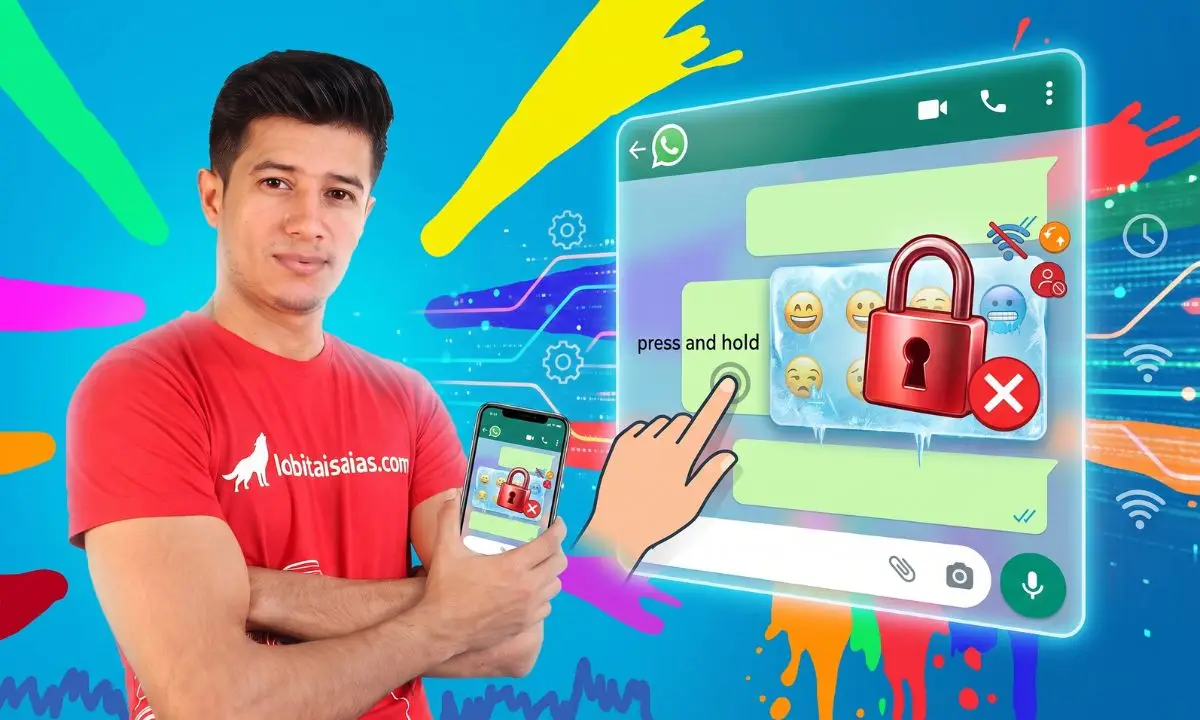
If you've wondered why you can't react on WhatsApp, you're probably encountering limitations or technical issues preventing you from using this feature that lets you express emotions with emojis in messages. Here we clearly explain the most common causes and how to fix them so you can enjoy faster and more expressive communication.
What does "react" mean on WhatsApp and what is it used for?
Reacting on WhatsApp allows you to reply to a message with an emoji without typing any text. This feature makes it easy to express emotions, agreement, or surprise instantly and visually. For example, you can use a heart, a smiley face, or a thumbs-up emoji to react to a message.
This option improves the chat experience by avoiding long responses and makes group or individual conversations more dynamic.
What requirements must my WhatsApp meet to use reactions?
In order to react to messages, your application needs to meet certain technical requirements:
- Updated version: WhatsApp officially launched reactions in version 2.22.8.79 for Android and iOS. If your app is an older version, you may not see this feature.
- Device compatibility: While most modern smartphones support the latest features, some older models may not be compatible.
- Stable connection: The function requires an internet connection to synchronize reactions.
Updating your WhatsApp to the latest version is usually the quickest solution to enable this feature.
Common reasons why you can't react on WhatsApp
1. You don't have the latest version of WhatsApp
If your app is outdated, the reaction option may not appear. To check:
- On Android, go to the Google Play Store, search for WhatsApp, and see if "Update" appears.
- On iPhone, open the App Store and do the same.
Once updated, restart the app and try again.
2. You are trying to react in a chat that does not allow it.
Some versions and chat types may not support reactions:
- Chats with users who don't have the feature: If the person sending you the message doesn't have the updated version, you won't be able to react.
- Business chats: Some WhatsApp Business accounts may have restrictions.
3. Problems with device configuration
- Verify that WhatsApp has the necessary permissions to function correctly.
- Confirm that the device's date and time are set correctly, as incorrect settings can cause errors.
4. Temporary errors or connection failures
Sometimes, temporary problems can prevent the reaction from being sent or displayed. Try:
- Restart the application.
- Try using a different WiFi connection or mobile data.
- Restart your phone.
5. Restrictions in large group chats
Sometimes, reactions in groups with many participants can take a while to update or not display correctly due to synchronization issues.
How to react to a message on WhatsApp step by step
If you already have the feature active, here's how to use it:
- Open an individual or group chat.
- Press and hold the message you want to react to.
- A bar will appear with several popular emojis (thumbs up, heart, laughter, surprise, sadness, and praying hands).
- Tap the emoji you want to use.
- The reaction will appear below the selected message.
To change or delete the reaction, just press the message again and choose another option or the "X" to remove it.
Does the other person need to have the function in order for me to react?
Yes, it's a crucial factor. For reactions to work correctly, both users, or everyone in a group, must have the latest version of WhatsApp and support the feature. Otherwise, you won't be able to react, or the other person won't see your reaction.
How can I fix the problem of not being able to react even though I have the latest version?
If you have the latest version and still can't react, try the following:
- Restart your phone: Sometimes a simple restart fixes temporary glitches.
- Check for system updates: An outdated operating system can cause incompatibilities with WhatsApp.
- Uninstall and reinstall WhatsApp: This can eliminate internal errors and force synchronization.
- Check that your account has no restrictions: Some blocked or under review accounts may have limitations.
Alternatives if your device doesn't allow reactions in WhatsApp
If for some reason your phone doesn't support this feature, you can use traditional methods to express your emotions:
- Reply with emojis in the text.
- Send related stickers or gifs.
- Use short, quick-response messages.
Tips for getting the most out of WhatsApp reactions
- Use them to speed up conversations and avoid misunderstandings.
- In groups, reactions help to show consensus without saturating the chat.
- Combine them with written responses when you want to clarify emotions.
Relationship with other content in Lobito Isaiah
To improve your experience on WhatsApp and other messaging apps, it's recommended to learn how to maintain privacy and security, as explained in our guide on [how to protect your privacy on WhatsApp](https://lobitoisaias.com/como-proteger-tu-privacidad-en-whatsapp). Also, if you're interested in tips for improving digital productivity, you can check out our article on [apps to organize your day-to-day life](https://lobitoisaias.com/aplicaciones-para-organizar-tu-dia).
Frequently Asked Questions
Why can't I see the reactions people send me on WhatsApp?
This usually happens if your WhatsApp isn't up to date or if the person who sent the reaction is using an incompatible version. Update your app to fix this problem.
Can I react with any emoji on WhatsApp?
Currently, WhatsApp offers a limited set of emojis for reactions, such as thumbs up, heart, laughing, surprised, sad, and praying hands. It's not possible to use any emoji freely as a reaction.
Do reactions on WhatsApp use more data?
Reactions are simple emojis and don't consume much more data than a text message, so their impact on consumption is minimal.
Can I disable the reactions feature on WhatsApp?
There is no option to disable reactions. However, you can choose not to use them or ignore them in your chats.
Can reactions be used on WhatsApp Web or desktop?
Yes, WhatsApp has also incorporated reactions in its web and desktop versions, as long as you have the app synced and updated.