Why does my phone show ads without opening apps?
Why your phone shows ads even when you don't open apps, and how to get rid of these intrusive ads. Learn how to detect adware on Android, disable pop-up ads,…
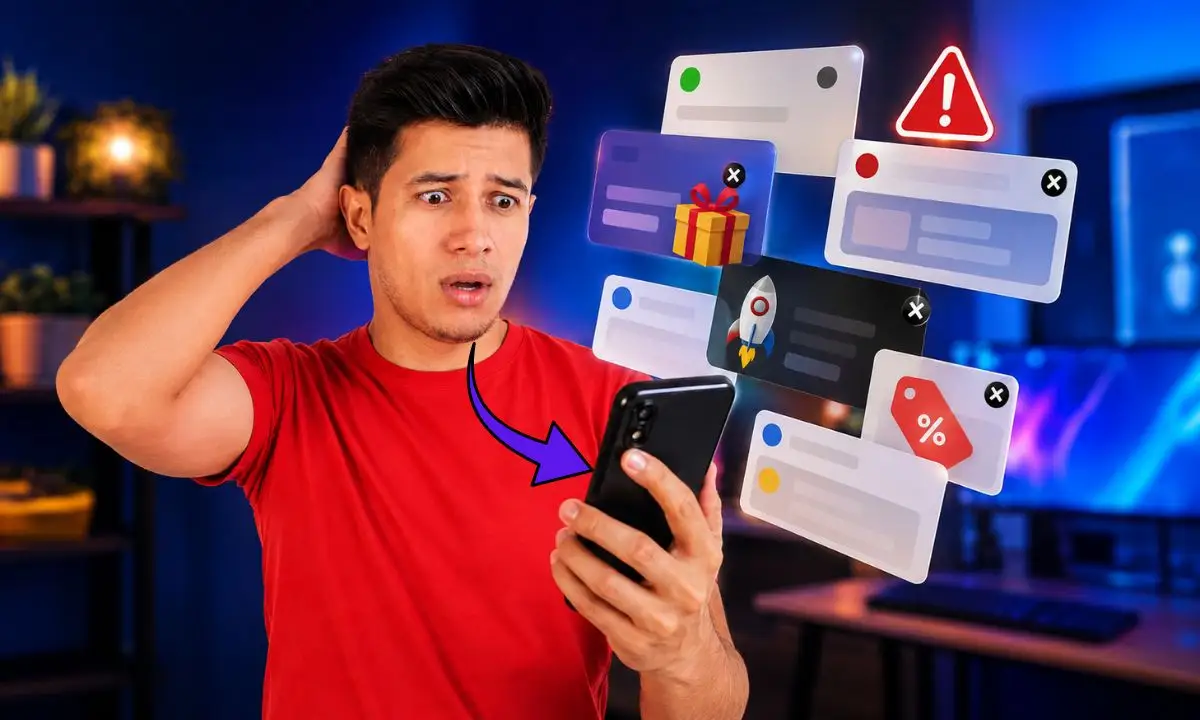
If you're wondering why your phone is showing ads even when you haven't opened any apps, you're not alone. This problem is common on Android devices and can negatively impact your user experience, slow down your phone, and even compromise your privacy. Pop-up ads are often caused by apps with intrusive ads or adware, but they can also be due to settings that allow ads to appear on your home or lock screen. Understanding the root cause will allow you to remove ads from your phone and prevent automatic ads on Android, thus improving your device's security and usability.
Definition and function of pop-up advertising on mobile phones
Pop-up ads on mobile devices are ads that appear even when the user hasn't opened a specific app. These ads can appear as pop-up windows, browser notifications, or ads on the home and lock screens. As a senior SEO copywriter with experience in mobile security, I've seen that this type of advertising is often generated by adware on Android or apps that have permission to display ads over other apps, allowing the ad to appear at any time.
These ads can be annoying, but they're also a source of revenue for developers. However, when they become intrusive, it's important to know how to detect and remove them to protect your phone.
Common signs or symptoms
- Constant presence of pop-up ads: This is usually caused by apps with invasive ads or adware, and can slow down your phone or affect the user experience.
- Ads on the home screen or lock screen: This indicates that an app has permission to display advertising in these areas, which can be intrusive and affect security.
- Browser advertising notifications: Ads may appear without opening applications, often linked to malicious websites or extensions, which can be a symptom of malware.
Common causes
Cause 1: Apps with intrusive ads
Many free apps rely on advertising to generate revenue. Some implement pop-up ads that appear even when they're not open. To detect these suspicious apps, check those you've recently installed or don't remember downloading and see if they have permission to display ads over other apps.
Cause 2: Adware on Android
Adware is a type of malicious software designed to display unwanted advertising. It can be identified by the sudden appearance of pop-up ads on your phone, system slowdowns, and high data consumption. To detect it, use a reliable antivirus program and scan your device.
Cause 3: Permissions to display over other applications
Some apps request permission to display content over other apps, which can be used to show ads on your home or lock screen. You can check and manage these permissions in your Android app settings by looking for the "display over other apps" option.
Step-by-step (safe) solutions
Before you begin, make sure you have a backup of your important data and perform each step carefully to avoid problems.
- Step 1: Review and detect suspicious applications
Use the application manager to identify apps you don't remember installing or that have unusual permissions. This usually takes 10 to 20 minutes.
- Step 2: Uninstall apps with intrusive advertising and revoke permissions
Remove problematic apps and revoke their permissions to display over other apps in the settings. Verify that the ads disappear.
- Step 3: Scan and remove malware from your phone
Use reliable antivirus software to remove adware and any other malware detected on your phone. If the problem persists, consider seeking professional help.
Quick alternatives
- Option A: Install ad blockers
Pros: Easy to use and effective at blocking ads in browsers. Cons: Doesn't remove adware or ads outside of the browser.
- Option B: Reset the phone to factory settings
Pros: Removes almost all malware and misconfigurations. Cons: Data loss if no backup is performed, and it takes time to reinstall apps.
Costs and when to call a technician
Removing ads from your phone can be free if you do it yourself with the right tools and steps. However, hiring a professional service can cost between $30 and $100, depending on:
- Complexity of the problem
- Type of malware or adware
- Diagnosis and repair time
- Need to recover data
You should call a technician if the ads persist after applying basic solutions, if the phone is very slow or shows signs of advanced infection, such as frequent crashes or excessive battery drain.
Common mistakes to avoid
- Error 1: Ignoring permissions to display over other applications
Avoid granting this permission to dubious apps to prevent ads on your home or lock screen.
- Error 2: Failure to update system and applications
Keep your Android device and apps updated to fix vulnerabilities that adware could exploit.
- Error 3: Downloading applications from unofficial sources
Only install apps from Google Play or trusted stores to reduce the risk of adware.
Preventive maintenance (checklist)
- Review app permissions - every 3 months
- Update system and apps - at least once a month
- Scan with antivirus - every 2 months
Frequently Asked Questions
Why do ads appear on Android without opening apps? This is usually due to apps with permission to display ads or adware installed on the device.
How can I disable pop-up ads on my phone? Review and revoke permissions for ads to appear over other apps and remove any suspicious apps.
Is the adware virus on your phone dangerous? Yes, it can affect the security, privacy, and performance of your device.
Resources and references
- Official Android support regarding permissions: https://support.google.com/android
- ESET's guide to removing malware on Android: https://www.eset.com
Conclusion
Seeing ads pop up on your phone even when you haven't opened any apps can be annoying and a sign of adware or vulnerable settings. By following these steps to detect suspicious apps, revoke permissions, and remove malware from your phone, you can eliminate ads and prevent push notifications on Android. Don't hesitate to try these solutions to improve your device's security and usability. If you need assistance, contact a qualified technician for a complete diagnostic check.
submit_draft