*#21# code: what it's for, how to use it, and does it really detect spying
Have you seen any videos claiming that dialing *#21# lets you find out if someone is spying on your phone? This code exists and has a useful function, but
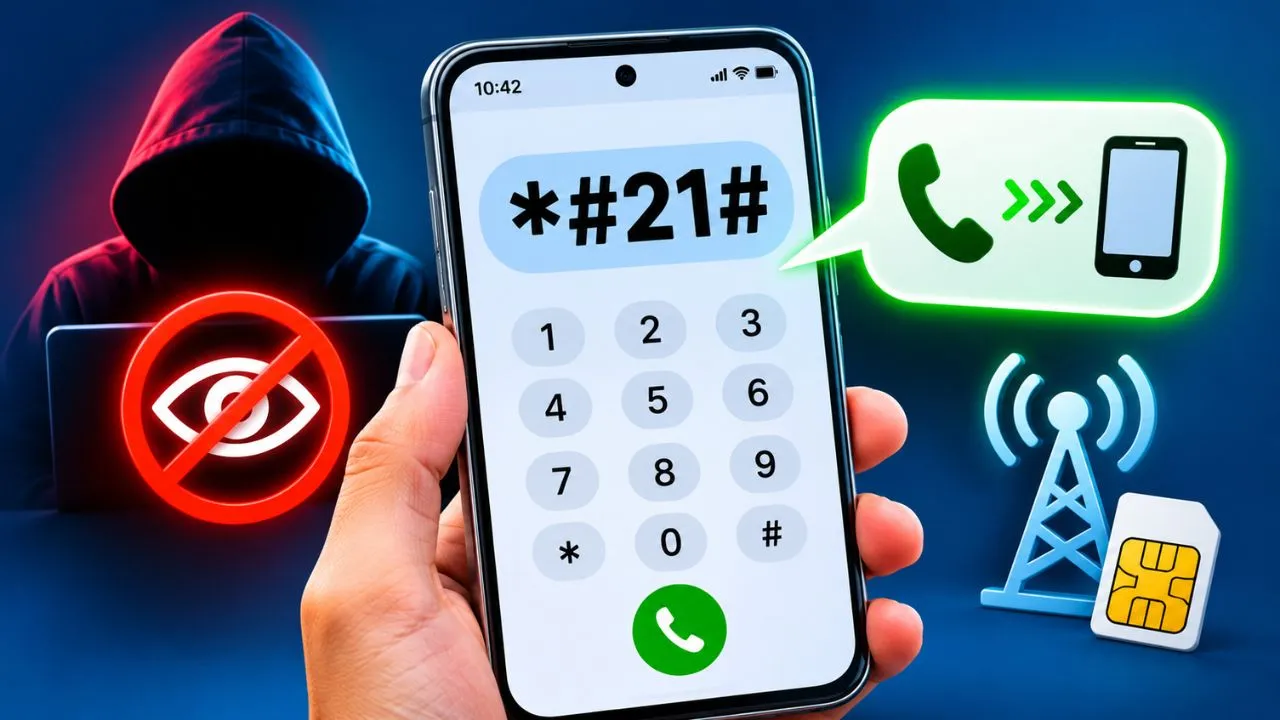
Have you seen any videos claiming that dialing *#21# lets you find out if someone is spying on your phone? This code exists and has a useful function, but it doesn't do exactly what many people on social media say.
* The code #21# is used to check if you have unconditional call forwarding activated. In other words, it allows you to check if your carrier is automatically forwarding incoming calls to another phone number.
You don't need to download any app to use it. However, seeing an unknown number doesn't necessarily mean someone is listening to your conversations.
What is the purpose of the code *#21# on a cell phone?
The code *#21# allows you to check the status of unconditional call forwarding associated with your mobile line.
This function is used when you want all calls directed to your number to go directly to another phone.
For example, imagine you have a personal cell phone and a work phone. If you set up unconditional call forwarding from your work phone to your personal phone, you'll be able to receive all your calls on a single device.
The problem arises when that setting is activated without your knowledge.
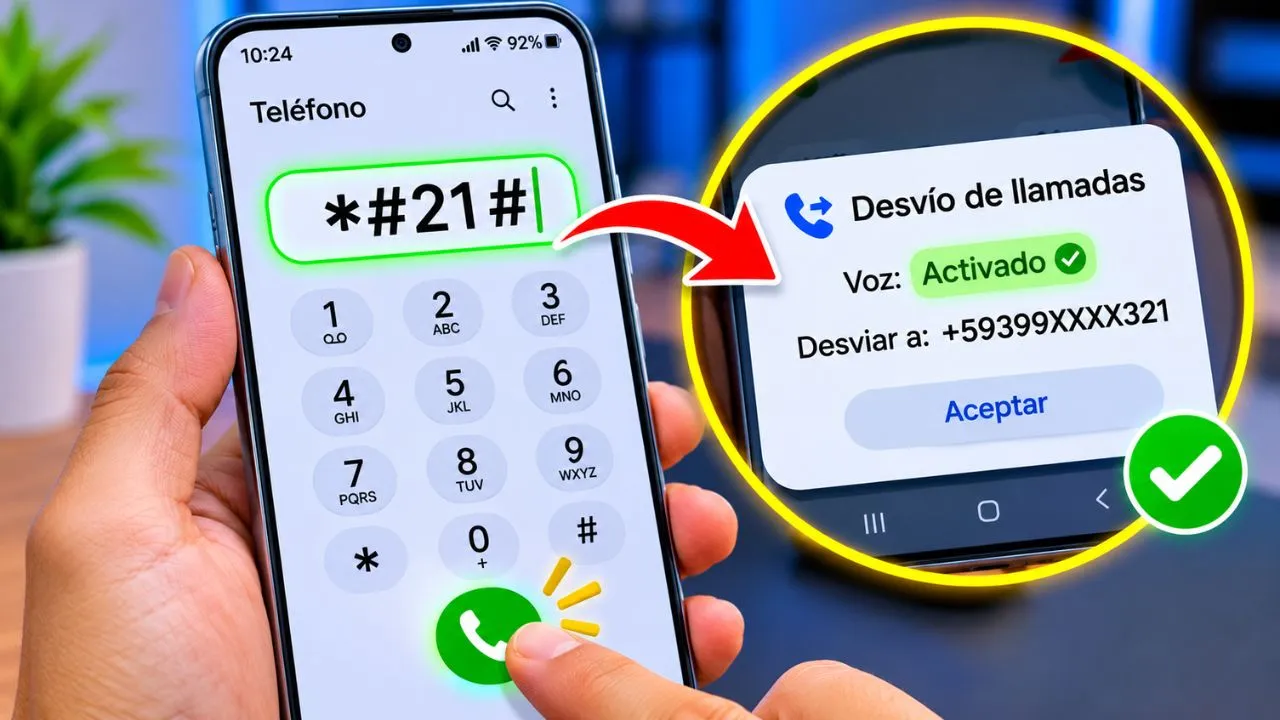
By dialing *#21#, you can identify if there is an active call forwarding and, depending on the phone company, find out the destination number.
This code does not install applications, delete files, or modify the routing settings simply by consulting it.
How to dial *#21# step by step
Checking the status of your calls is easy and you can do it from an Android phone or iPhone.
- Open the Phone app, the same one you use to make regular calls.
- Enter the numeric keypad.
- Type exactly
*#21#. - Press the green button to call.
- Wait for a response from your operator.
- Check if any active call forwarding or destination number appears.
If you use two SIM cards, make sure you run the query from the line you want to check. You may need to repeat the process with the other SIM.
The procedure depends on your mobile carrier. On some networks, a window with the information will appear, while on others, an error message may be displayed.
What does the result that appears when you dial *#21# mean?
The important thing is not just to dial the code, but to understand what the message your phone returns means.
1. Call forwarding disabled
If a message such as "Call forwarding disabled", "Not forwarded" or "Disabled" appears, it means that the unconditional call forwarding you requested is not active.
It's a normal response.
However, this doesn't guarantee that your phone is free of spyware. It also doesn't rule out the existence of other types of call forwarding, such as the kind used when you don't answer calls.
2. Call forwarding activated
If "Forwarding enabled" or "Forwarding enabled" appears, it means that the line has a redirection configured for the indicated service.
In the case of voice calls, these could be going directly to another number without your cell phone ringing.
If you configured that function voluntarily, there is no problem.
But if you never activated it, you should find out why it's enabled and what its purpose is.
3. An unknown phone number appears
Finding a number you don't recognize can cause concern, but you shouldn't immediately assume someone is intercepting your calls.
Some carriers use special numbers for their voicemail and call forwarding services.
There may also be business configurations or services that the line owner previously activated.
Before removing any call forwarding, take a screenshot and ask your phone company to identify the number.
4. An MMI code error appears
On some Android devices you may receive messages such as "Invalid MMI code", "Connection problem" or "Request could not be completed".
This usually means that the query was not processed correctly.
This can occur due to carrier restrictions, lack of service, command incompatibility, or temporary network problems.
That error does not prove that your phone is hacked.
Does the code *#21# help you find out if you're being spied on?
No. The code *#21# cannot confirm if someone is spying on your cell phone.
This is one of the most widespread misconceptions about mobile phone codes.
Its function is to query a network service, not to examine the internal security of the device.
Therefore, it does not allow you to discover if someone is recording your conversations, using the microphone, reviewing your photos, or accessing your applications.
So why is it related to espionage?
Because call forwarding can be misused.
If someone gains access to your unlocked phone or certain services from your carrier, they could try to set up a call forwarding to another number.
In that case, the recipient of the call forwarding could receive the calls originally intended for your line.
This presents a privacy and security problem, but it is different from intercepting a telephone conversation.
To be clear: diverting a call does not mean that another person is simultaneously listening to the conversation you are having on your phone.
And if you suspect a malicious app is present, you need a different kind of scan. You can start with our guide on how to remove viruses from your phone .
How can I tell if someone is diverting my calls without permission?
There are situations that justify checking your line settings:
- Several people claim they called you, but your phone never rang.
- All incoming calls are routed directly to another destination.
- An unconditional diversion appears that you don't remember setting up.
- The destination number does not belong to any of your phones.
- The settings changed after someone gained access to your phone.
None of these signs constitute definitive proof of espionage. Calls can also fail due to coverage problems, blocking, mute settings, or carrier errors.
A practical check involves asking someone you trust to call your number while your phone is switched on, has a signal, and is available.
If the call consistently ends up on another phone, check the call forwarding settings and contact the company.
How to deactivate a call forwarding service you don't recognize
If *#21# shows an active unconditional forwarding that you did not set up, you can request its removal.
The following code is used in many GSM networks:
##21#
To run it, open the dialer, type the code and press call.
The network should respond indicating whether the operation was successful.
Then you can dial *#21# again to check the status.
It is important to distinguish these commands:
| Code | Function |
|---|---|
*#21# | Check the unconditional diversion |
##21# | Delete the unconditional call forwarding settings |
*#61# | Check the call forwarding when you don't answer |
*#62# | Check call forwarding when you're out of coverage or unavailable |
*#67# | Check the route diversion when the line is busy |
##002# | Request the removal of all diversions |
The results and availability of these codes depend on the operator.
If you need to cancel all call forwarding, you can consult our full explanation of what the code ##002# is for and how to use it .
Important: Do not dial ##002# without first checking your settings. You could delete legitimate call forwarding related to voicemail or work services.
How to check call forwarding from Android
If you prefer not to use codes, many Android phones allow you to check call forwarding from their own settings.
On Samsung, Xiaomi, Motorola, and other brands of devices, you can try the following:
- Open the Phone app.
- Press the three dots or the settings menu.
- Go to Call Settings.
- Search for Additional Services, Call Accounts, or Call Forwarding.
- Select the appropriate SIM if you have more than one.
- Check the "Always redirect" option.
Names may vary depending on the manufacturer, Android version, and phone company.
If a destination number appears that you don't recognize, check with your operator first.
Another useful measure to protect the privacy of your outgoing calls is to learn how to call with a hidden number from Android or iPhone , although this function is independent of call forwarding.
How to check call forwarding on iPhone
On iPhone you can also check the settings from the system settings.
In recent versions of iOS:
- Open Settings.
- Go to Apps.
- Select Phone.
- Search for Call Forwarding.
- Check if it's enabled.
- If you are using two lines, select the one you want to review.
In previous versions, the path may appear as Settings > Phone > Call Forwarding.
When call forwarding is activated and your carrier supports the feature, you can see the number to which calls are being redirected.
Please note that this section may not show all conditional deviation options.
Does the code *#21# let you know if someone is reading my WhatsApp?
No. The code *#21# does not check WhatsApp.
Although WhatsApp uses your phone number to register the account, its messages and calls work via the internet, not through the traditional voice call forwarding service.
Therefore, checking or deactivating phone forwarding does not allow you to identify devices that have access to your WhatsApp conversations.
If you think someone has accessed your account, the appropriate thing to do is check the linked devices.
Open WhatsApp, go to Linked Devices and close any sessions you don't recognize.
It's also a good idea to enable two-step verification, keep the app updated, and protect access to your phone.
You can learn more about privacy options in our article about WhatsApp's new features .
What to do if you suspect someone is monitoring your phone
Checking call forwarding is helpful, but a phone's security depends on many other factors.
If you have reason to suspect unauthorized access, start with the following checks.
Check the installed applications
Look for programs you don't remember installing, especially those that request accessibility permissions, access to notifications, device management, or microphone use.
On Android you can run a review from Google Play Protect.
If you use a Samsung and need an additional analysis tool, check out our guide on how to choose an antivirus for your Samsung phone .
Check the security of your accounts
Review your recent email activity and your Google or Apple accounts. Delete any unknown sessions and enable two-factor authentication.
If you think someone knows a password, change it from a trusted device.
You can use our free secure password generator to create a new, stronger password. Use a different password for each important account.
Contact your operator
If you notice call forwarding that you didn't authorize or you stop receiving calls without explanation, request a review of your line.
Ask them to check for active redirection services, recent modifications, or unauthorized changes related to your account.
The company is the one that can confirm which services are configured on its network.
Frequently asked questions about the code *#21#
What happens if I dial *#21# on my cell phone?
Your phone requests information from the carrier about unconditional call forwarding. If the request is compatible, you will receive a message indicating its status. Tapping the button does not activate call forwarding.
What number should I dial to find out if my cell phone is being spied on?
There is no universal phone code that can detect all forms of spying. *#21# only checks for one type of call forwarding. To check for spyware, you also need to review your device's apps, permissions, and security settings.
What does it mean when *#21# says call forwarding is enabled?
This means the network has call forwarding enabled for the displayed service. If it corresponds to unconditional voice forwarding, incoming calls may be automatically sent to the configured number.
What does unconditional call forwarding mean?
It's a setting that redirects all incoming calls to another number, without waiting for you to be busy, not answer, or lose coverage.
How to remove call forwarding with the code *#21#?
The code *#21# cannot be used to remove call forwarding. To request the removal of unconditional call forwarding, you typically use ##21#. You can also modify it through your phone's settings or with the help of your carrier.
What is the difference between *#21# and *#62#?
*#21# checks if all calls are unconditionally forwarded. *#62# checks what happens when your phone is switched off, out of coverage, or unavailable. These are two different modes.
What does it mean when an unknown number appears when dialing *#21#?
It could be a pre-configured number, a business destination, or a carrier service. If call forwarding appears active and you don't recognize the destination, ask your carrier to identify it before assuming unauthorized access.
Why doesn't *#21# work on my phone?
This could be due to carrier restrictions, incompatibility with the query service, lack of signal, or temporary network issues. An error message does not mean someone is spying on your phone.
Does the code *#21# work on iPhone and Android?
Yes, it can work on both systems when the carrier supports the query. Compatibility depends primarily on the mobile network and the services enabled on the line.
Can dialing *#21# delete my photos, contacts, or conversations?
No. This is an inquiry about a phone service, not an order to delete information. It does not delete photos, contacts, apps, or messages.
So, is it worth using the code *#21#?
Yes, especially if you want to check why you're not receiving certain calls or suspect there's a redirection you didn't authorize.
It's a simple query that can help you identify an incorrect setting and regain control of incoming calls.
But remember its true scope: * the code #21# is used to check unconditional call forwarding, not to prove that someone is spying on your cell phone.
If the result shows something you don't recognize, keep the information, verify the destination with your carrier, and correct only the relevant settings.