All Blogs

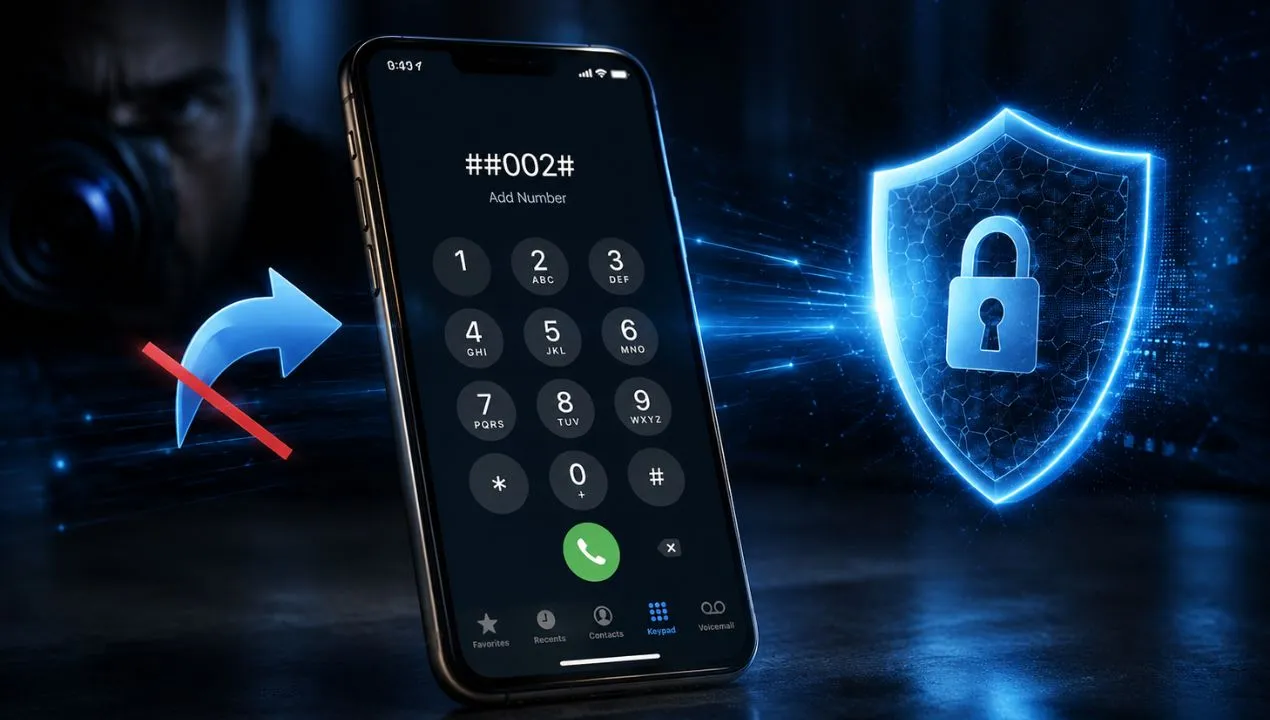
How to activate earthquake alerts on iPhone
If you live in an earthquake-prone area, it's essential to have a system that alerts you in time to act safely. In this article, we'll explain how to activate earthquake alerts on your iPhone so you can receive real-time earthquake warnings and protect yourself and your family. Earthquake notifications on iOS function as an early warning system, sending government alerts to your iPhone seconds before the event—a valuable tool for minimizing risks.

Why does my phone show ads without opening apps?
If you're wondering why your phone is showing ads even when you haven't opened any apps, you're not alone. This problem is common on Android devices and can negatively impact your user experience, slow down your phone, and even compromise your privacy. Pop-up ads are often caused by apps with intrusive ads or adware, but they can also be due to settings that allow ads to appear on your home or lock screen. Understanding the root cause will allow you to remove ads from your phone and prevent automatic ads on Android, thus improving your device's security and usability.
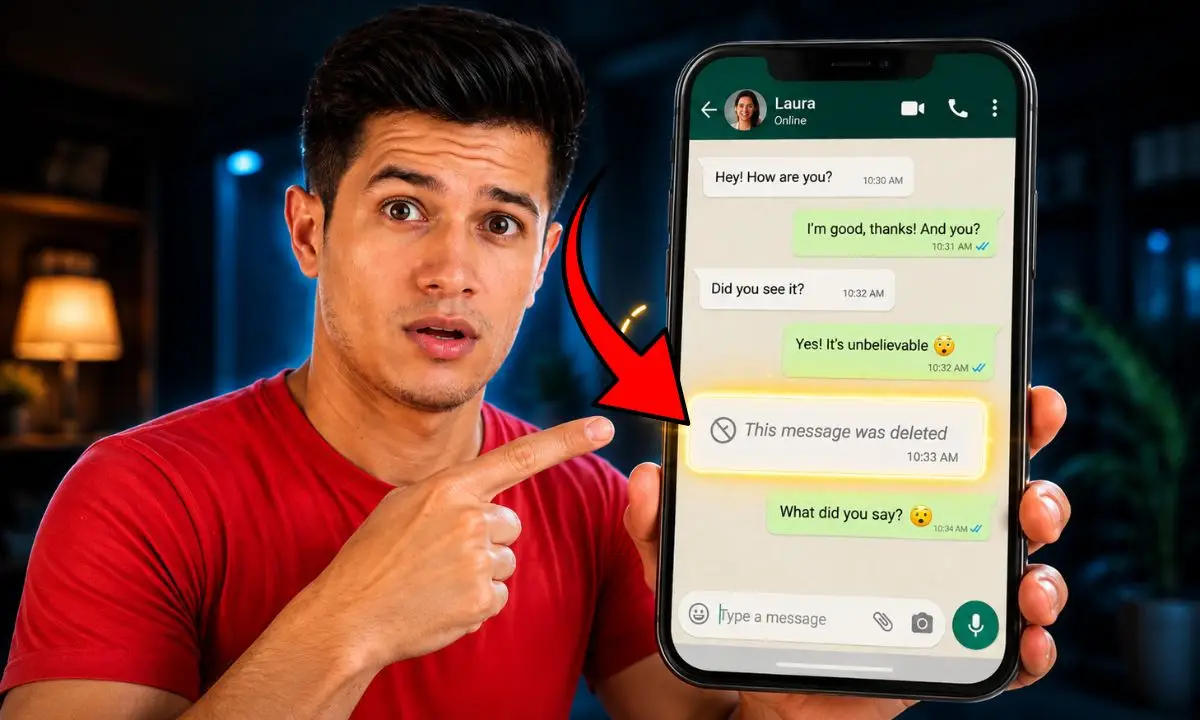
How to read deleted WhatsApp messages without an external app
Sometimes, WhatsApp messages are deleted by mistake or by someone else, creating the need to recover deleted WhatsApp messages to maintain communication or access important information. Fortunately, there are natural and safe ways to view deleted WhatsApp messages without resorting to external apps, offering greater protection for your privacy and avoiding security risks. Furthermore, these techniques allow you to leverage native Android system features and cloud backups to access deleted messages and review old WhatsApp notifications.
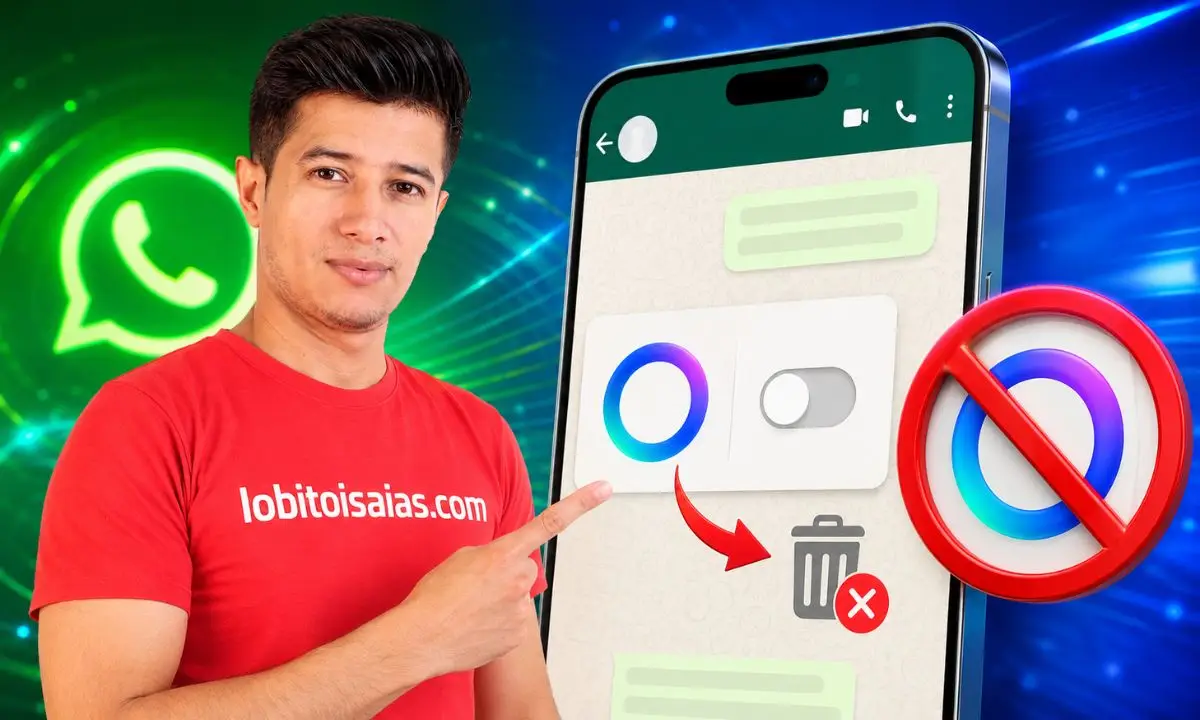
How to Remove Meta AI from WhatsApp
Currently, it's not possible to completely remove WhatsApp's Meta AI feature—that blue circle that appears in your chats. WhatsApp doesn't offer a button to disable it entirely. However, you can delete the chat containing Meta AI to remove the blue circle from your chat list, clear your chat data with the command `/reset-ai`, and avoid using it altogether. This will minimize its presence.

How to link WhatsApp with Facebook and Instagram
To link WhatsApp with Facebook and Instagram, you need to use the Meta Accounts Center: open WhatsApp, go to Settings, tap "Accounts Center," and add your profile alongside Facebook and Instagram. This allows you to share your status updates as stories and log in with a single account. If you have a business, the process is different: you connect through Meta Business Suite to display a contact button and receive messages.

Why does my phone get hot when I'm not using it?
It's common to find that your phone gets hot even when you're not actively using it. If you're wondering "why does my phone get hot when I'm not using it," the cause is usually related to background processes, battery issues, or hardware interference. Identifying the reason allows you to apply a practical solution, such as closing apps or replacing the battery, to reduce the risk and improve the device's battery life.
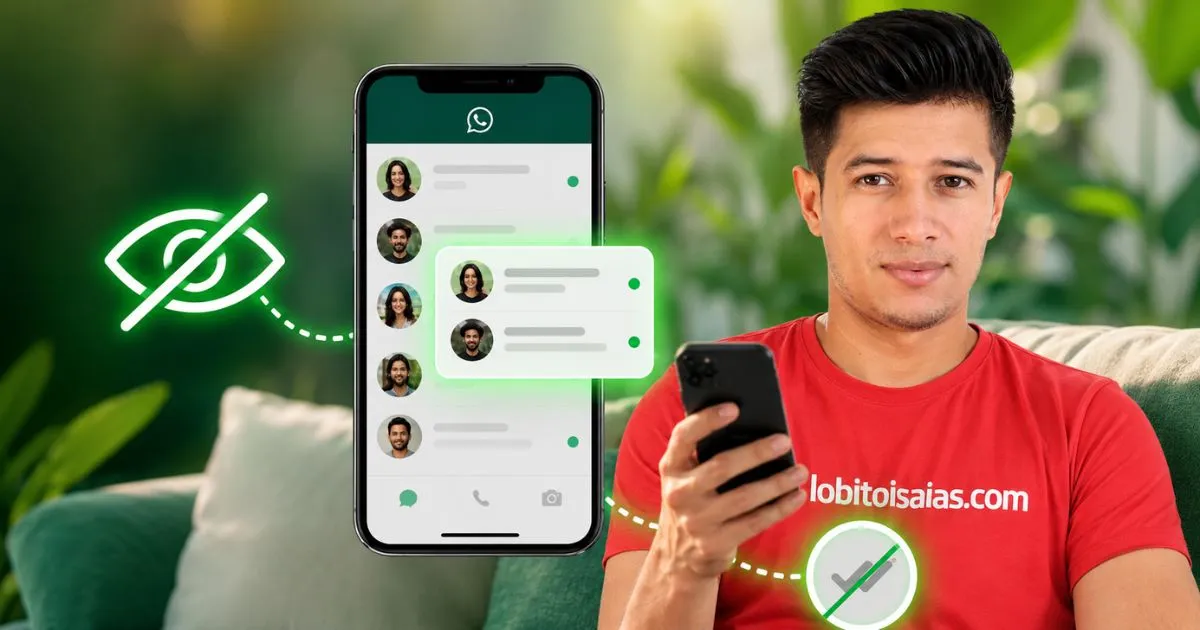
How to read WhatsApp messages without them appearing as read
You can read messages without the sender seeing the blue double check by using simple and secure techniques on your phone. In this practical guide, you'll learn several options for discreetly reading messages, their risks, and when to use each method. Using methods like preview or airplane mode allows you to read messages without marking them as "seen"; a practical benefit is that you can buy yourself time to respond calmly without pressuring the other person.
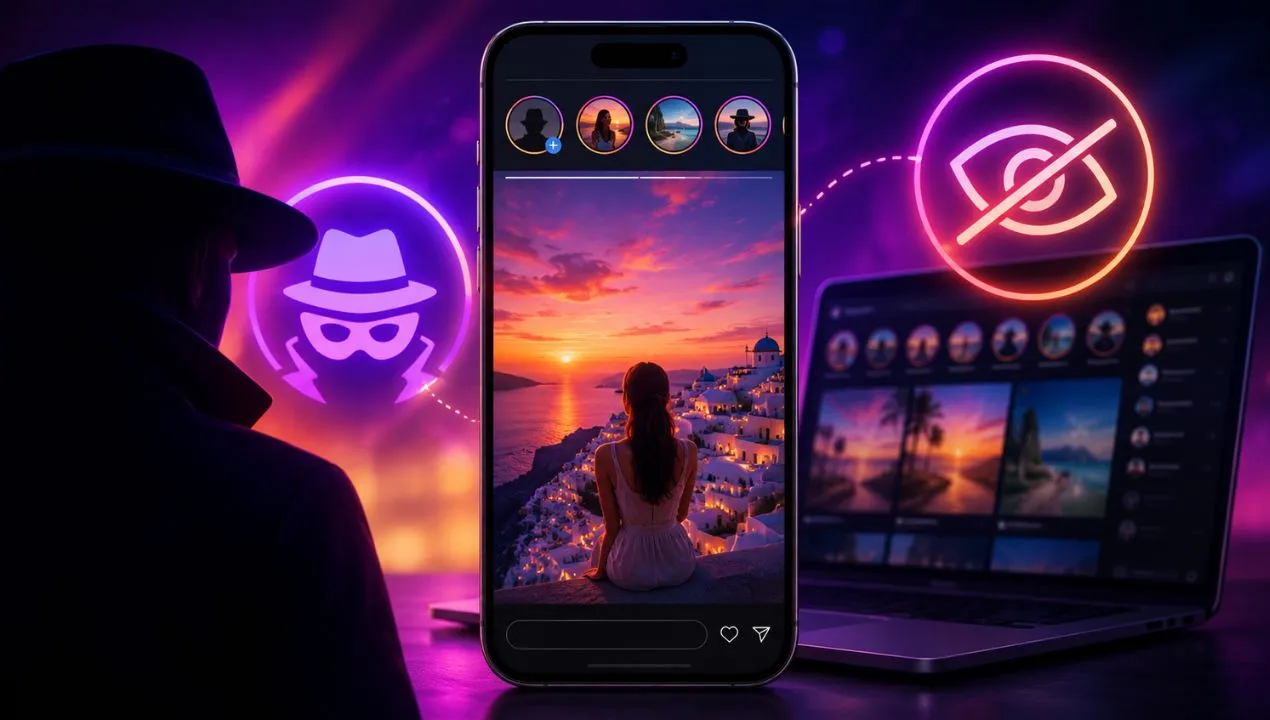
How to view Instagram Stories anonymously on PC or mobile
Viewing Instagram Stories anonymously means watching a temporary post without your main account appearing in the viewer list. However, Instagram doesn't include an official feature to hide your name when watching a story: if you open it while logged in, the owner will be able to see that you viewed it.
Why does my phone keep kicking me out of apps?

How to create a sticker with any word on WhatsApp
Creating custom stickers with any word on WhatsApp is a fun and creative way to express emotions or convey messages in a unique way. With just a few tools and apps, you can transform your favorite words or phrases into stickers that will make your conversations more dynamic and personal. This practice also improves interaction with your contacts by adding a personal and original touch to your chats.

Gemini: what it is and how to use it correctly to get the most out of it
OpenAI arrived first with ChatGPT and shook the world. But Google has spent 25 years building the most powerful search engine in history, has access to more data than anyone else, controls the operating system of 3 billion phones, and has just launched the most ambitious artificial intelligence model it has ever created.